
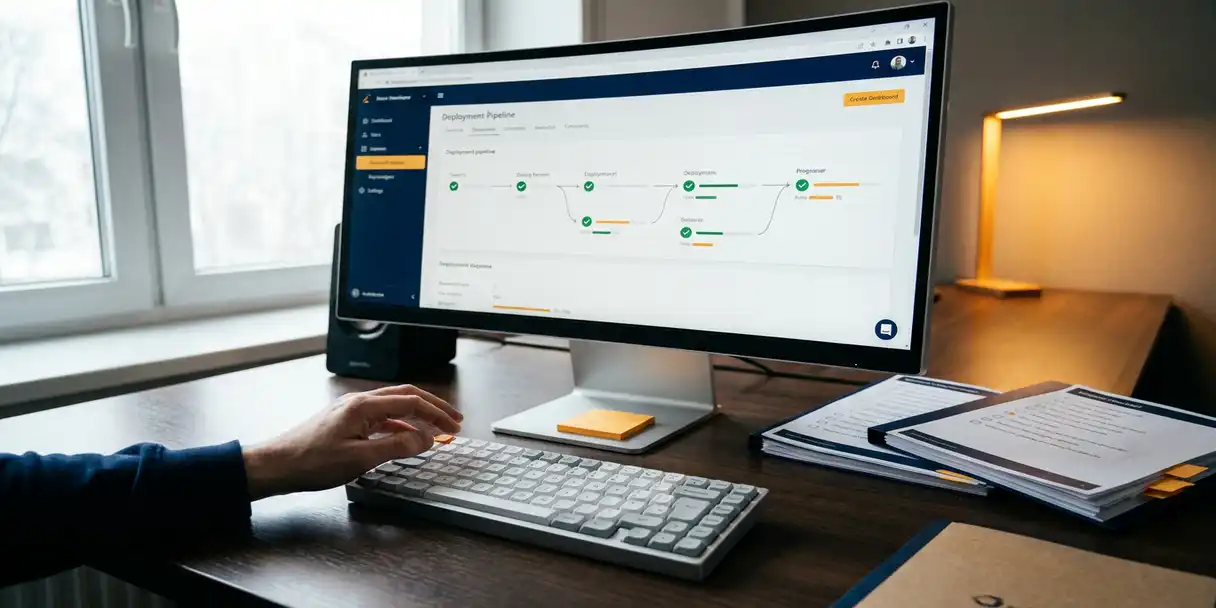
Organizations reduce manual QA time in BI release cycles primarily by introducing structured automation for repetitive validation tasks, enforcing version control to minimize rework, and using Application Lifecycle Management (ALM) tools that embed testing and approval steps directly into the deployment workflow. The biggest gains come from replacing ad hoc, person-dependent processes with repeatable, governed pipelines. The questions below unpack exactly how each of these levers works in practice.
What makes QA so time-consuming in BI release cycles?
QA in BI release cycles is time-consuming because most organizations rely on manual, undocumented processes where testers must re-validate the same logic every time a change is made, with no reliable way to know what changed or why. Without traceability, every release feels like starting from scratch.
Several compounding factors drive this inefficiency. First, BI applications often involve complex interdependencies between data models, expressions, and visualizations. A single change to a data source or calculation can ripple across dozens of sheets and apps, and without impact visibility, testers have to check everything by hand. Second, when teams lack a controlled change history, they cannot scope their testing to what actually changed. The result is full regression testing on every release, regardless of how small the update was.
There is also a coordination problem. In many BI environments, developers, testers, and business owners work in silos. Feedback loops are slow, approvals are informal, and it is not always clear which version of an app is the one being tested. This ambiguity forces testers to spend time just confirming they are working on the right artifact before they can begin validating it.
Which BI release tasks are best suited for automation?
The BI release tasks best suited for BI testing automation are those that are repetitive, rule-based, and high-volume: deployment to target environments, version tagging, change detection, approval routing, and environment promotion from development to test to production. These tasks follow predictable logic and do not require human judgment.
More specifically, automation delivers the highest return in the following areas:
- Environment promotion: Moving a validated app from a development server to a test or production environment is a mechanical step that is error-prone when done manually and trivial when scripted.
- Change detection: Automatically identifying which objects within an app have changed since the last release allows testers to focus only on what is new or modified.
- Approval workflows: Routing a release through a defined set of approvers in a fixed sequence removes the informal email chains that slow down sign-off.
- Scheduled publishing: Pushing updates to business users at a defined time, without manual intervention, reduces off-hours work and deployment risk.
Tasks that still benefit from human involvement include exploratory testing, business logic validation, and final user acceptance. Automation handles the infrastructure work so that human testers can focus their attention where judgment is genuinely needed.
How does version control reduce rework in BI deployments?
Version control reduces rework in BI deployments by giving teams a clear, auditable history of every change made to an application. When something breaks in production, teams can immediately identify what changed, compare versions side by side, and restore a known-good state without rebuilding from memory or backup files.
Beyond recovery, version control fundamentally changes how testing is scoped. When a team knows exactly which components were modified between version 3.1 and version 3.2, they can limit their QA effort to those specific changes rather than re-testing the entire application. This focused testing approach can cut validation time significantly on incremental releases.
Version control also reduces the rework caused by parallel development conflicts. In teams where multiple developers work on the same application simultaneously, unmanaged changes frequently overwrite each other. A proper version history with branching and merging capabilities prevents this kind of silent data loss and eliminates the debugging time that follows it.
What’s the difference between manual and automated BI deployment workflows?
The key difference between manual and automated BI deployment workflows is control and repeatability. Manual workflows depend on individuals following undocumented steps correctly every time, while automated workflows execute the same sequence consistently regardless of who initiates them or when.
Manual BI deployment workflows
In a manual workflow, a developer or administrator typically exports an app, moves it to the target environment by hand, updates any environment-specific connection strings, notifies stakeholders, and waits for informal sign-off. Each of these steps introduces opportunities for error. Files get overwritten, the wrong version gets promoted, or a step gets skipped under time pressure. Documentation is often absent or out of date, which means institutional knowledge lives in people rather than in the process.
Automated BI deployment workflows
An automated workflow executes a predefined pipeline: change detection, version tagging, environment promotion, approval routing, and publishing. Every action is logged, every approver is notified through the system, and the deployment only proceeds when all defined conditions are met. The result is a deployment that is faster, auditable, and consistent across every release cycle. Teams also gain the ability to schedule deployments outside business hours without requiring anyone to be present.
How do ALM tools cut QA time in Qlik and Power BI environments?
ALM tools cut QA time in Qlik and Power BI environments by embedding governance directly into the release pipeline. Instead of treating testing and approval as separate activities that happen before deployment, ALM tools make them mandatory gates within the workflow itself, so no release can bypass validation.
In Qlik Sense and Qlik Cloud environments specifically, ALM tools can track changes at the object level, meaning testers receive a precise list of what changed in each version rather than a black-box update. This change tracking enables focused testing, which is one of the most effective ways to reduce total QA effort per release.
For Power BI environments, ALM tools provide comparable benefits by managing the promotion of reports and datasets across workspaces in a controlled, logged sequence. Rather than relying on manual workspace management, teams work within a governed pipeline where every step is recorded and reversible.
Our BI Governance solution addresses this directly. PlatformManager enforces approval steps and testing before anything goes live, provides full lifecycle reports for each app, and uses Data Lineage to show the downstream impact of any change. This means BI teams spend less time chasing down what changed and more time analyzing data.
When should BI teams invest in release automation?
BI teams should invest in release automation when the cost of manual deployments, in time, errors, and coordination overhead, exceeds the cost of implementing a structured pipeline. In practice, this threshold arrives earlier than most teams expect, often as soon as a team is managing more than a handful of applications across more than one environment.
Specific signals that the time is right include:
- Deployments are taking hours or days due to manual steps and informal approvals
- Incidents in production are frequently traced back to the wrong version being deployed
- Testers spend more time re-validating unchanged components than testing new ones
- The team is preparing for a migration, such as moving from Qlik Sense on-premises to Qlik Cloud
- Regulatory requirements such as HIPAA or Sarbanes-Oxley demand documented, auditable release processes
For organizations in regulated industries, the case for automation is especially strong. Compliance frameworks require evidence that changes were reviewed, approved, and deployed in a controlled manner. Manual processes rarely produce that evidence reliably, which creates audit risk on top of operational inefficiency.
How PlatformManager helps reduce manual QA time
We built PlatformManager specifically to solve the governance and automation challenges that make BI release cycles slow and error-prone. Here is what that means in practice:
- Change tracking: Every modification to an app is logged, so testers know exactly what to validate rather than re-testing everything from scratch.
- Enforced approval workflows: No release reaches production without passing through the defined approval and testing gates, eliminating informal sign-off processes.
- Automated environment promotion: Apps move from development to test to production through a controlled pipeline, with no manual file transfers or connection string edits.
- Data Lineage: Teams can see the downstream impact of any change before it goes live, reducing the risk of unintended consequences.
- Full lifecycle reporting: Every app has a complete, auditable history that satisfies compliance requirements such as HIPAA and Sarbanes-Oxley.
- Multi-platform support: Qlik Sense, Qlik Cloud, QlikView, Power BI, and SAP BusinessObjects are all managed from a single PlatformManager installation.
If your team is spending more time managing releases than improving your BI applications, it is worth seeing what a governed, automated pipeline looks like in action. Get in touch with us to start a free three-day trial with full access to a cloud server and a demo collection of apps and data.